
eufyMake UV Printer
UX Design Intern, Jun 2025-Aug 2025, Aug 2026- current
-My Role-
User Research & Journey Audits / Print Flow Redesign / App IA, Interaction & Status Design
-Project Goal-
Make First-Time Printing Easier and Reliable for New Users
-Outcome-
2x MORE PRODUCT SELL
+30% TASK COMPELTE RATE
-28% TASK EROR RATE
What is eufyMake UV Printer?
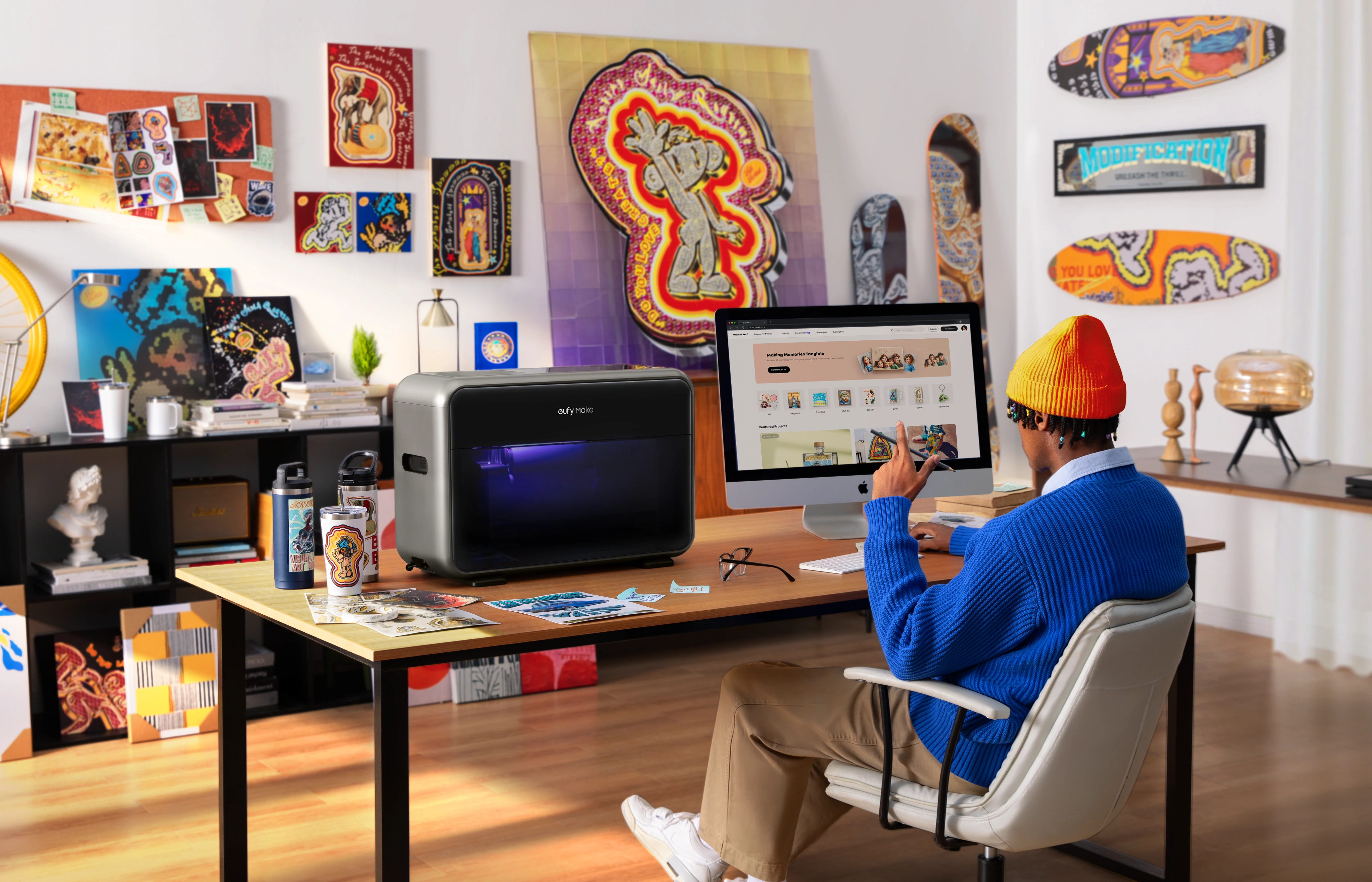
The World’s First Personal 3D-Texture UV printer
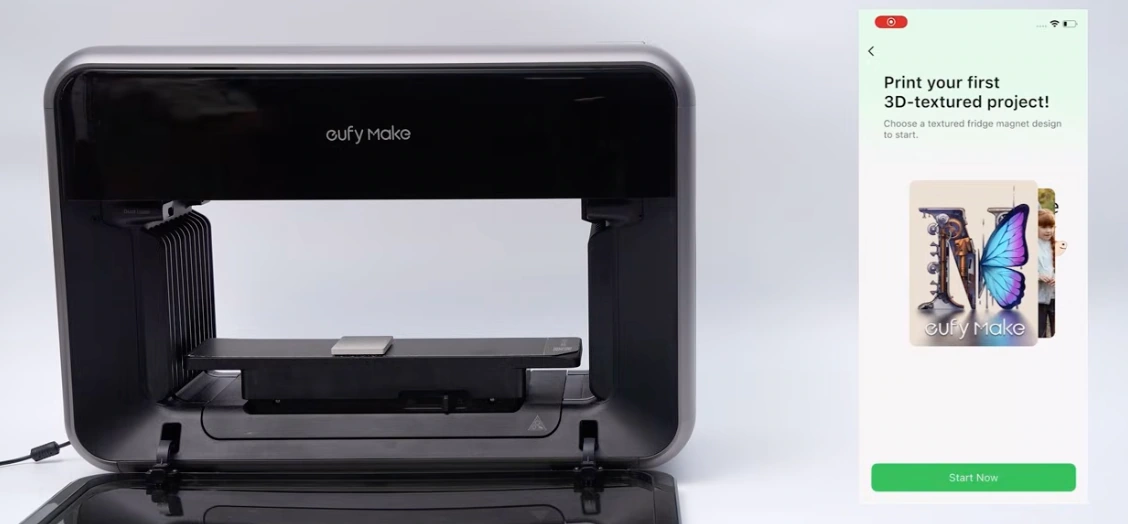
Print your first
3D-Textured Project!
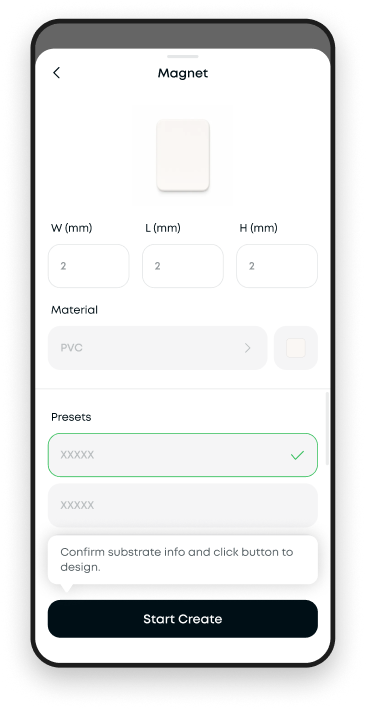
Choose a textured fridge magnet design to start.
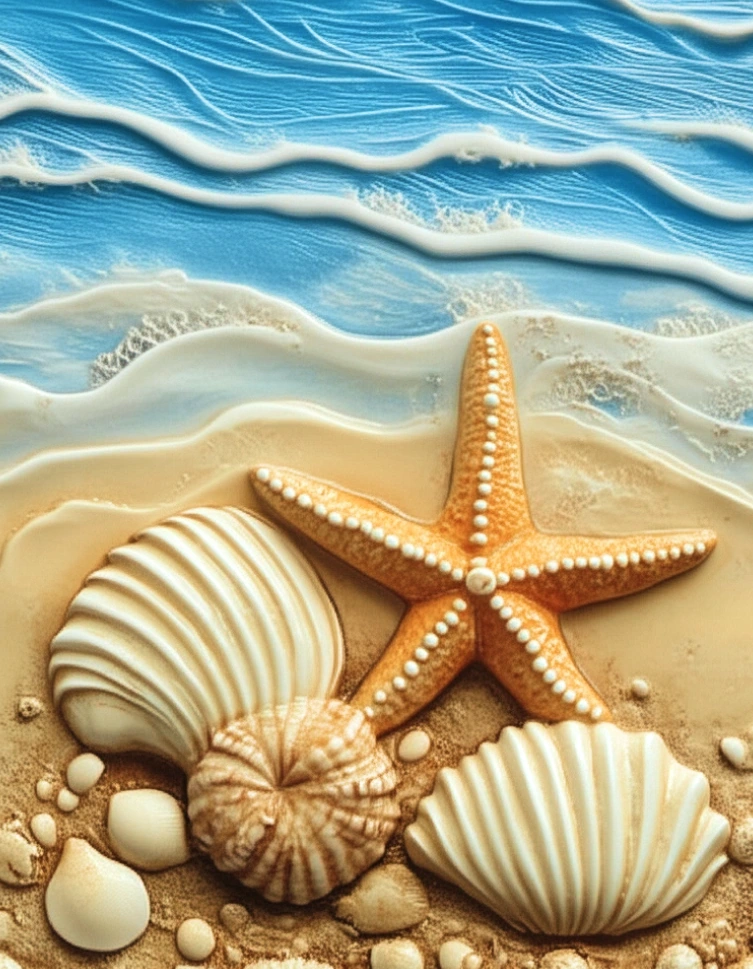
The Heart of
the Ocean
This is a brief project overview,This is a brief project overviewThis is a brief
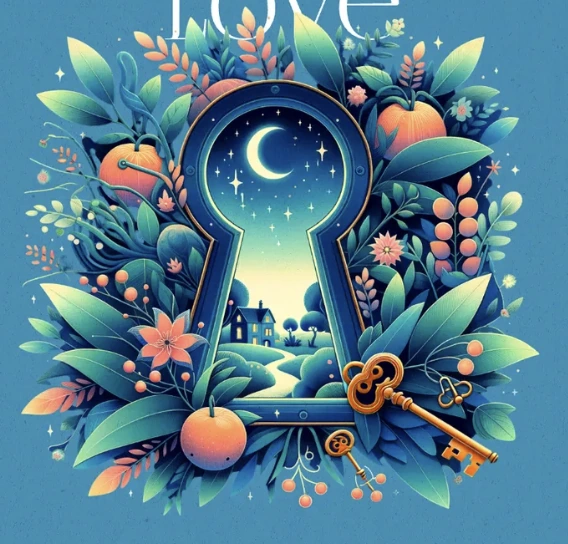
This is a brief project overview,
ETERNAL
LOVE
This is a brief project overview,

Eternal Fire
Start Now


9:41

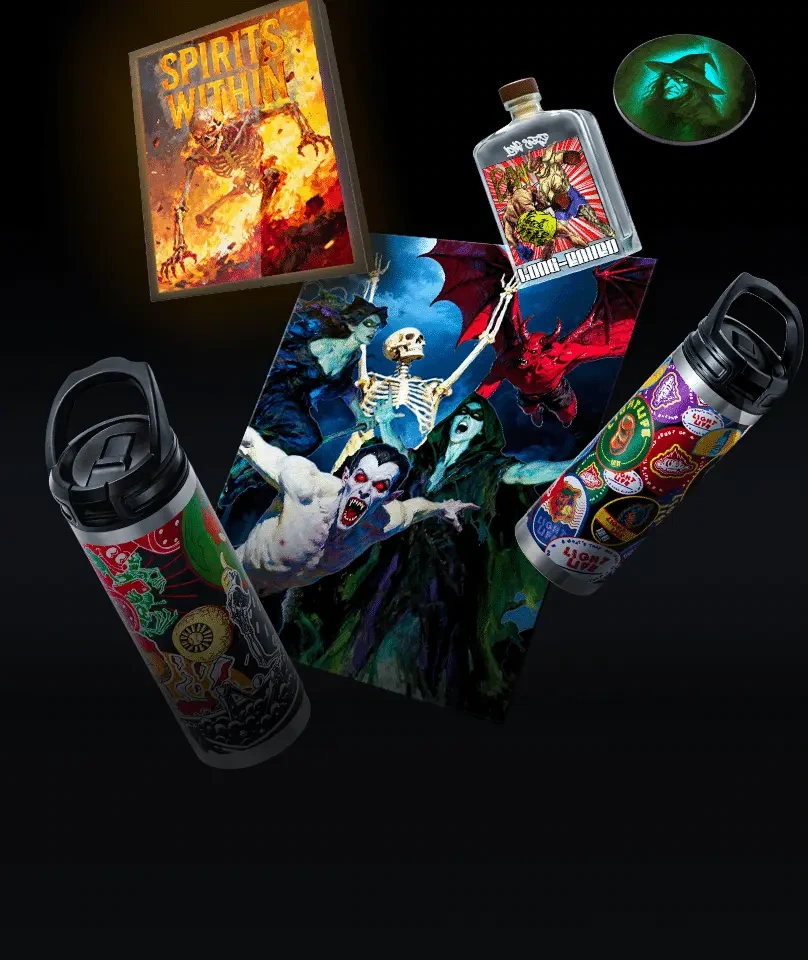
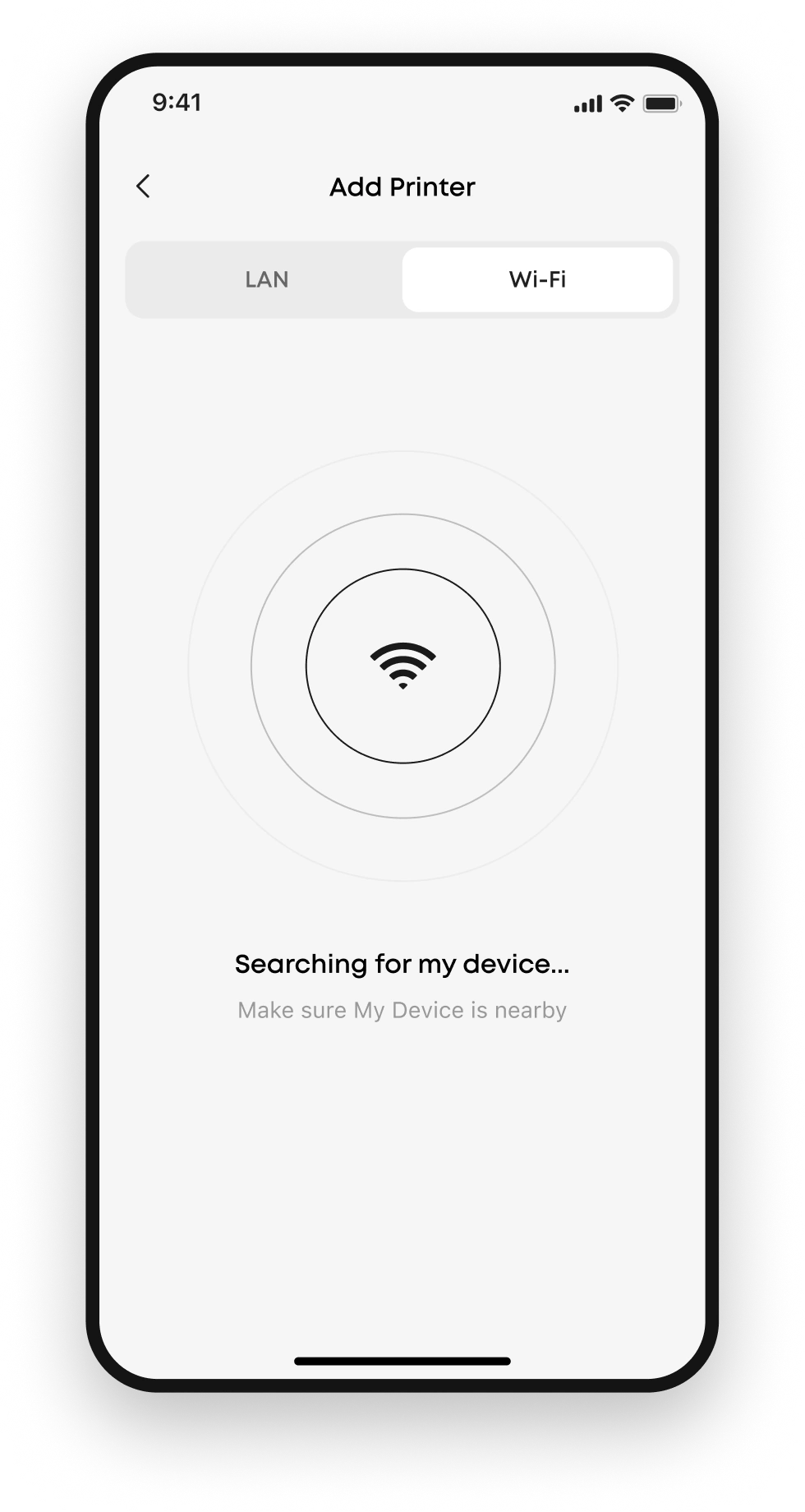
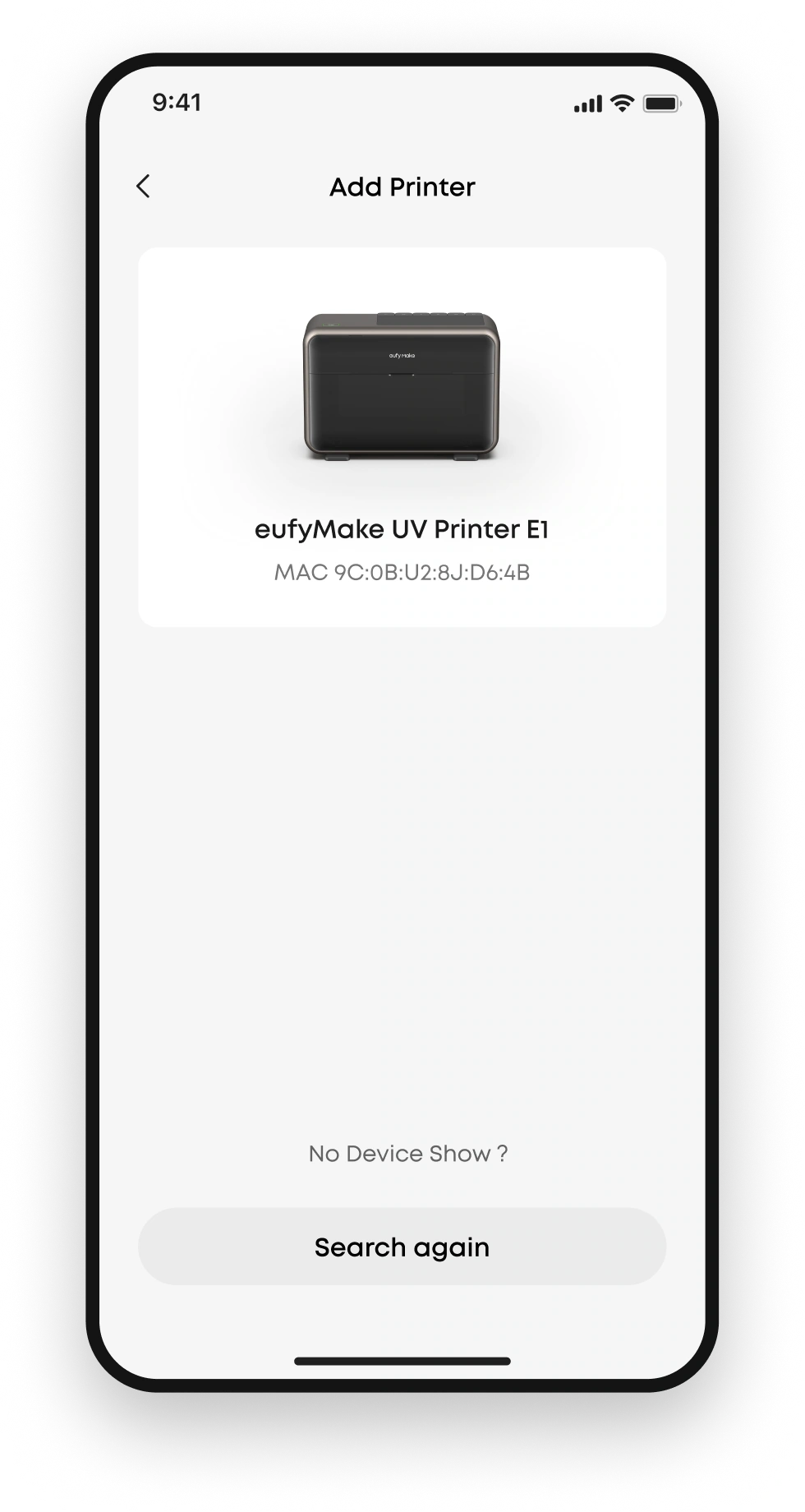
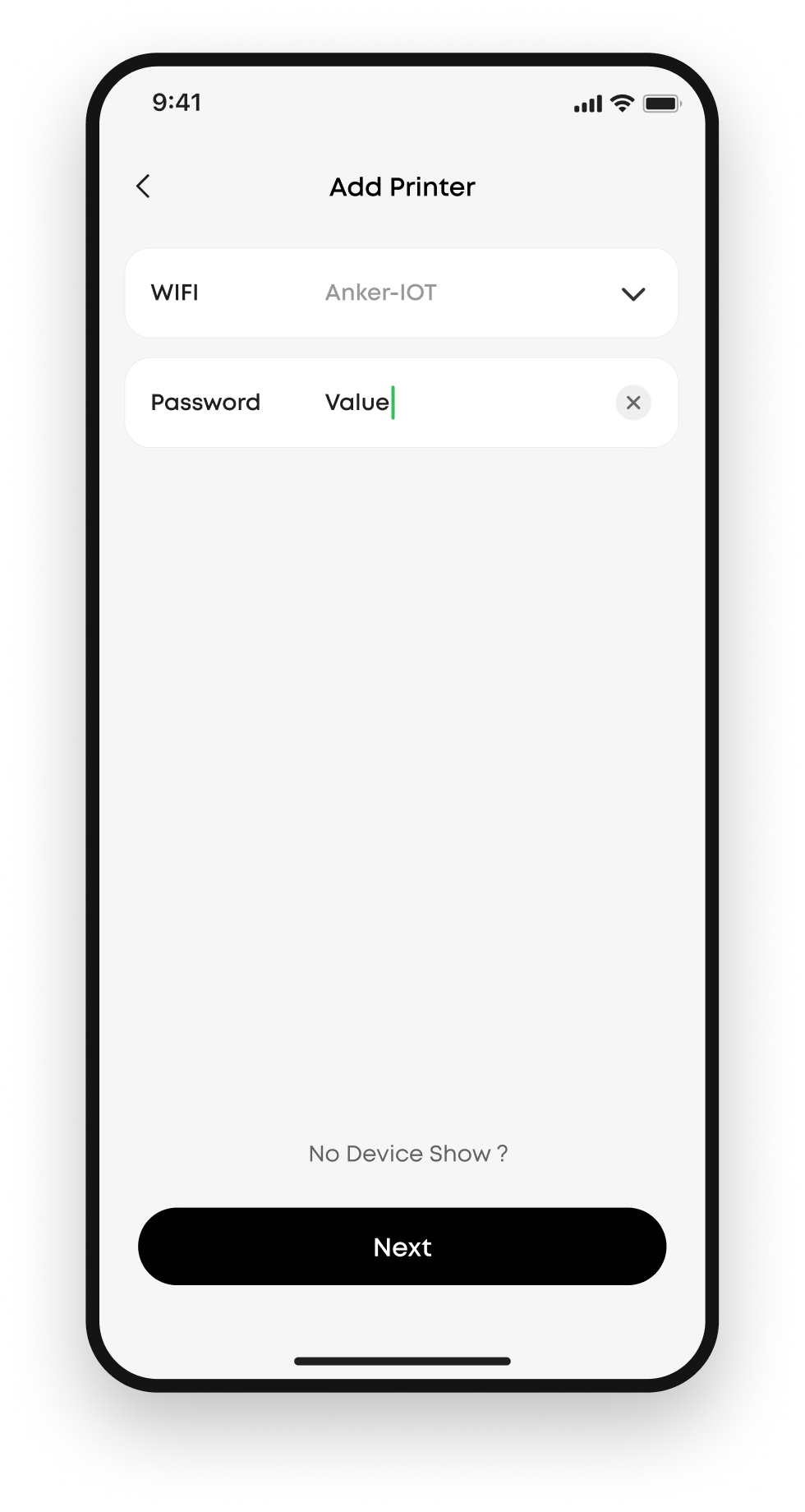
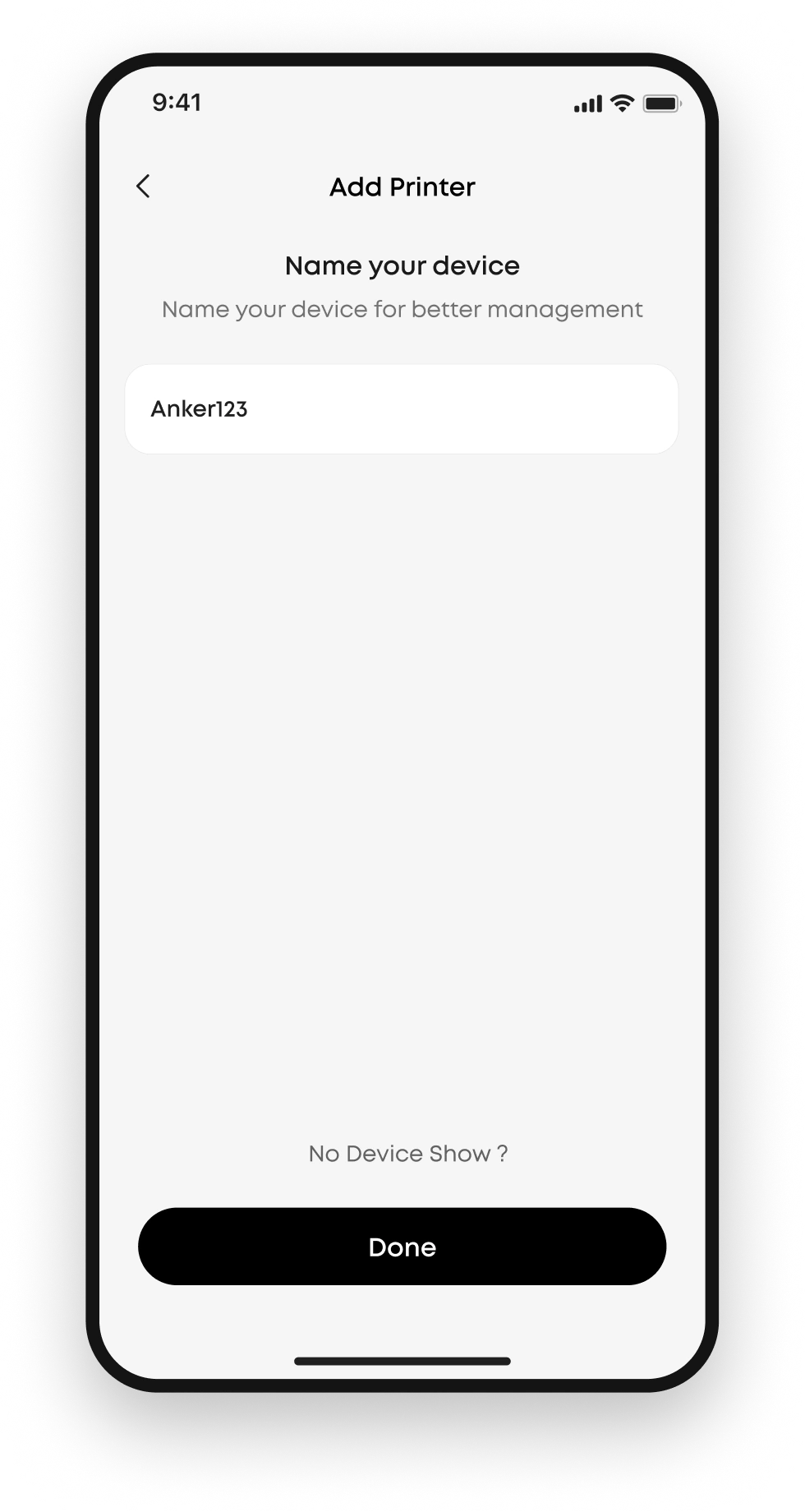
I worked on two iterations of the app, 2.0 and 3.0.
2.0 focused on a fast, reliable printing experience,working closely with the product and engineering teams,
I delivered the device-pairing onboarding tutorial.
Quick Overview

I also independently designed Creative Lab for version 2.0, from user research and competitive analysis to low- and high-fidelity delivery.
Make It Real
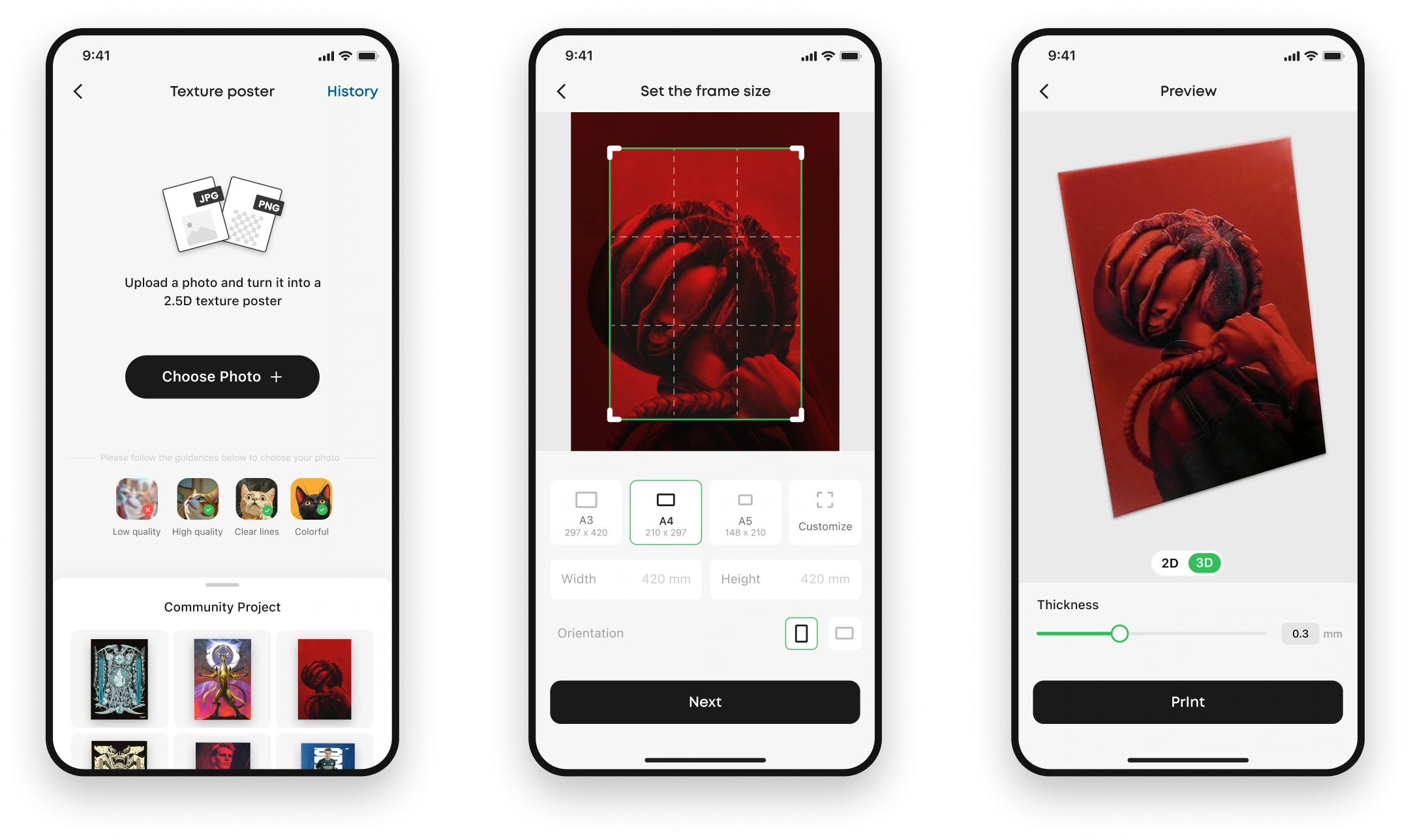
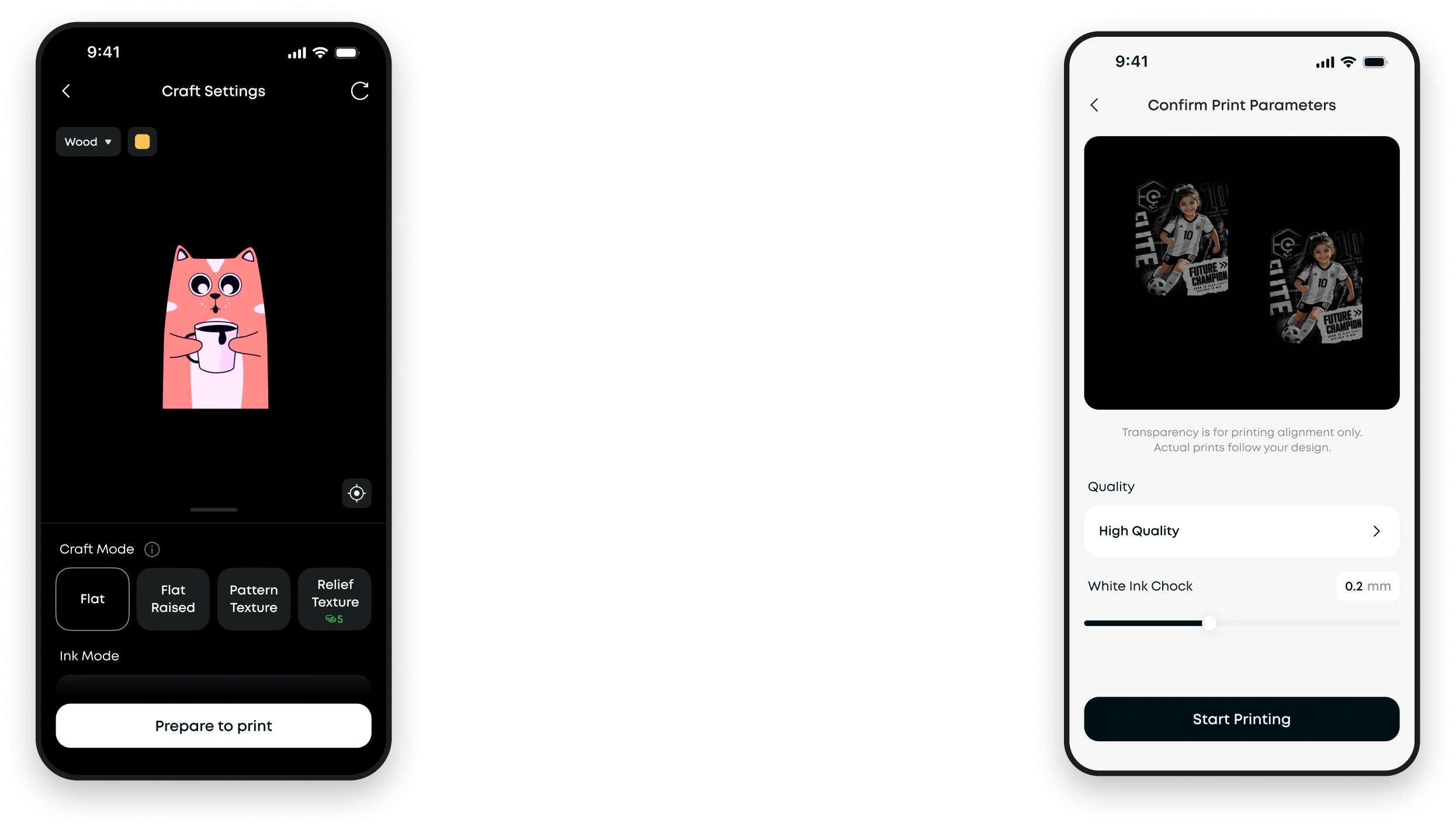
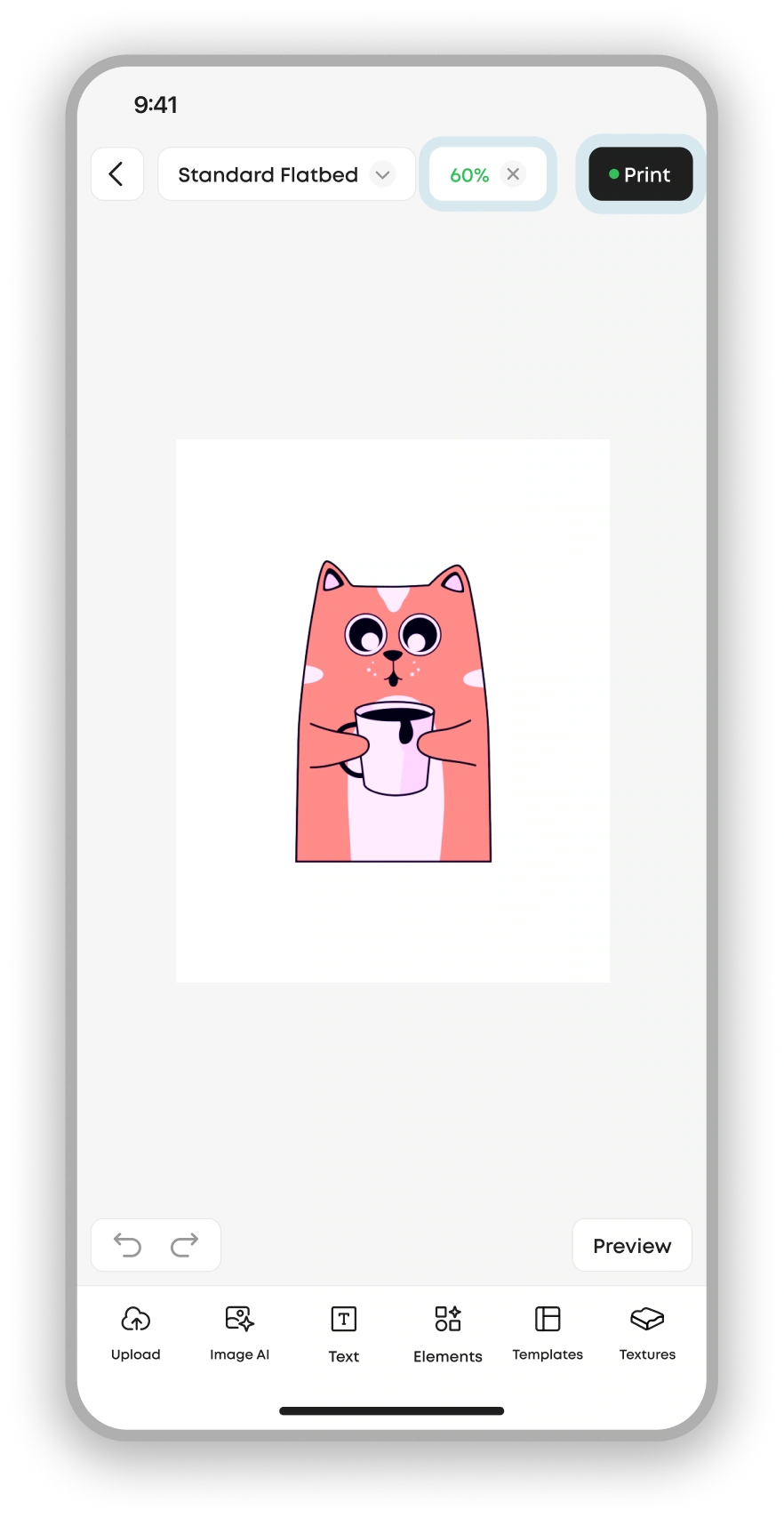
Across 2.0 and 3.0, I focused on optimizing the printing flow.
Here are key screens from the 3.0 linear print-flow redesign. Click to view the design details.
view more


UV
printing
100%
Creative Lab
Image AI
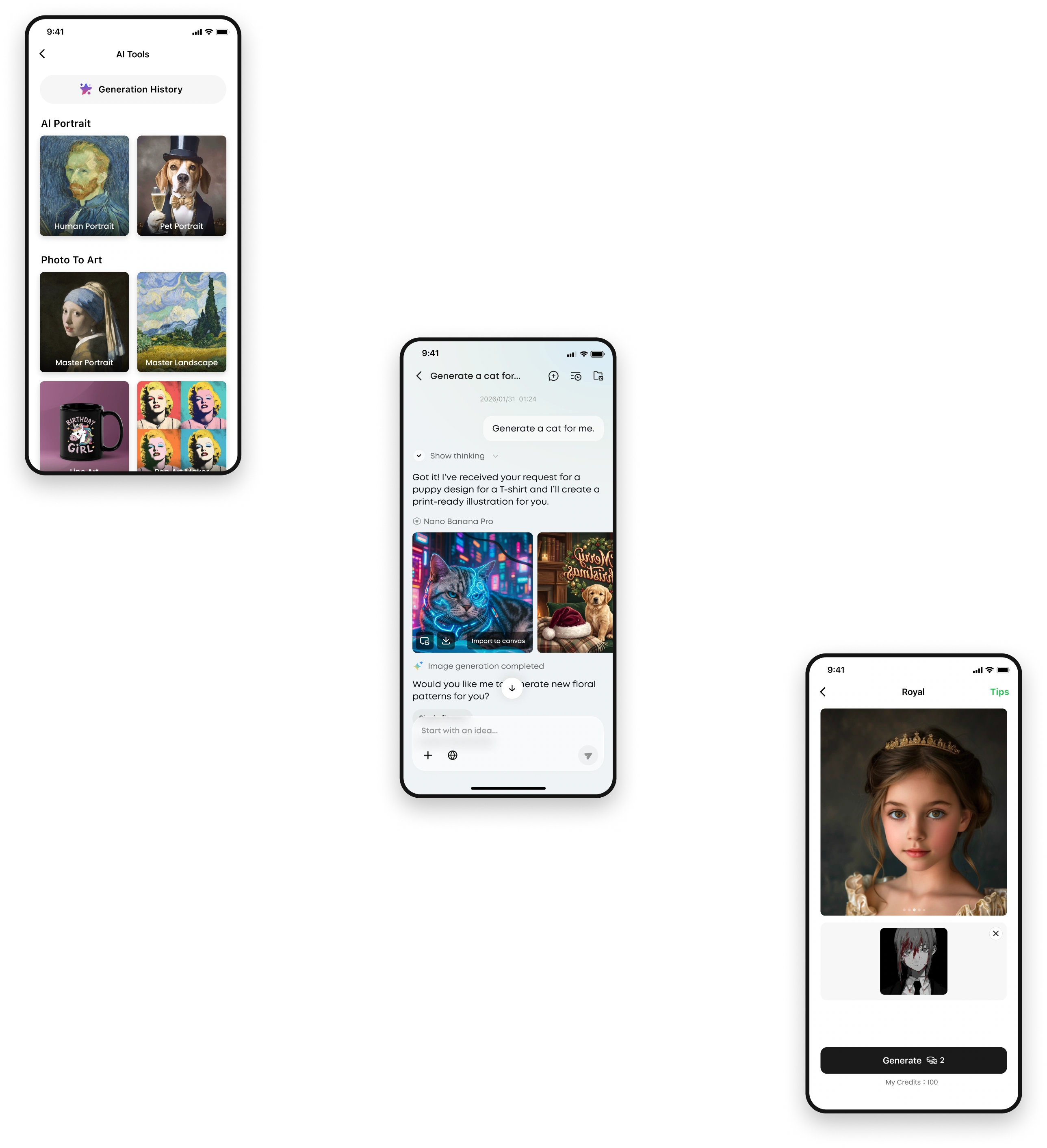
I also built the Image AI feature: an AI agent that helps users generate creative images.

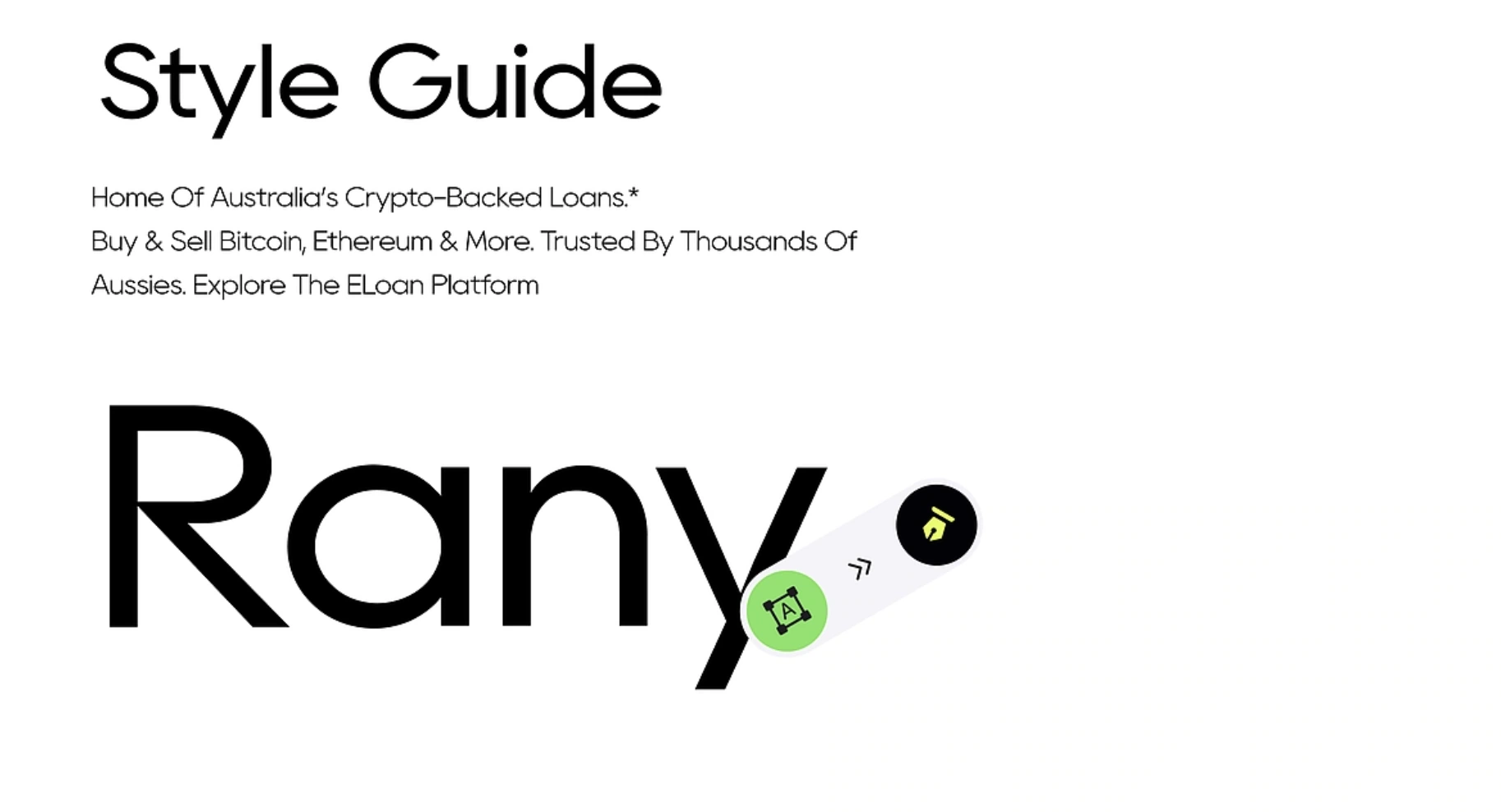
I also helped the team organize the design system: typography, colors, icons, components and more.
click to explore design details
UV Printing
Style Guide
Anker Green
Color Code:
Color Code:
Color Code:
Color Code:
Color Code:
#33BF5A
#F79725
#1F1F1F
#FFFFFF
#F5F5F5
Accent color
Black
White
Grey


Research
01 / 05How improve?
User Analyze
User Journey Map
Strategy
Who uses the app in what context?


Experience
How do users complete the core task?
Structure
Do features appear when needed?
Surface
Can users understand visual design?
User Growth Journey
👩

That looks great, I want to try it.
👩
It needs to work, or I’ll return it.
👩
It works well. What else can it do?
👩
It meets my needs. I’ll buy again.


Discover

First Use
Build Confidence

Explore More

Repeat Customer
🧑💼
Small Businesses (SMBs)
Need: Reliable, efficient output
🧑🎨
Geek
Need: Precise control and faithful results.
Prospective user
New user
Experienced user
Returning customer

Lower the learning barrier and encourage continued use.
3.0 Focus:

Core App Users


1

2
Scattered, deep entry points cause users to miss key settings.
Onboarding


“Prepare a Print”
Users are unsure what to do next.

Create Project
Select Platform
Asset Import & Manage

“Define the Design”
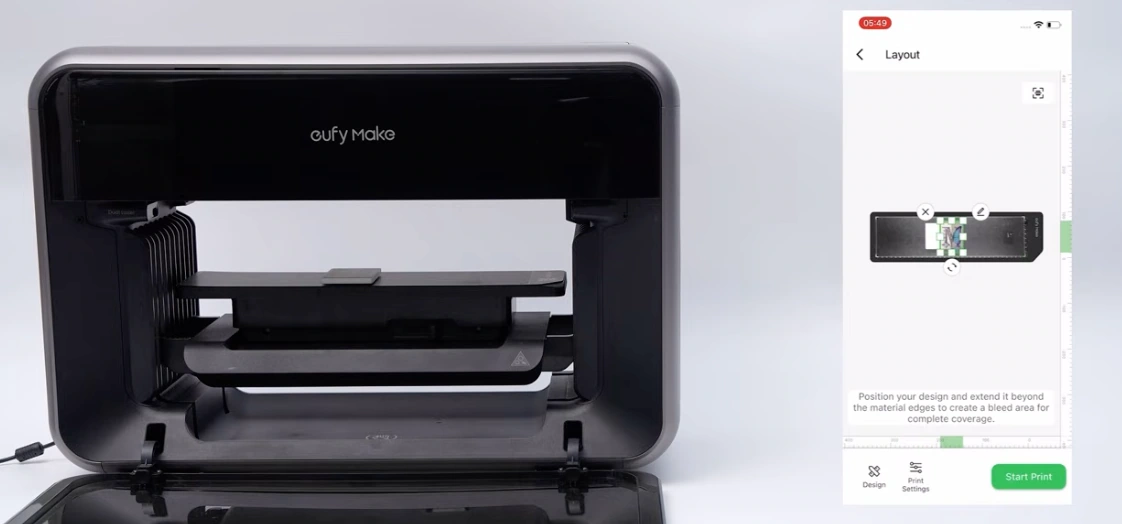


Capture & Align
Import Assets
Basic Editing
Craft mode and effect Setup
““Set the Print Effect””
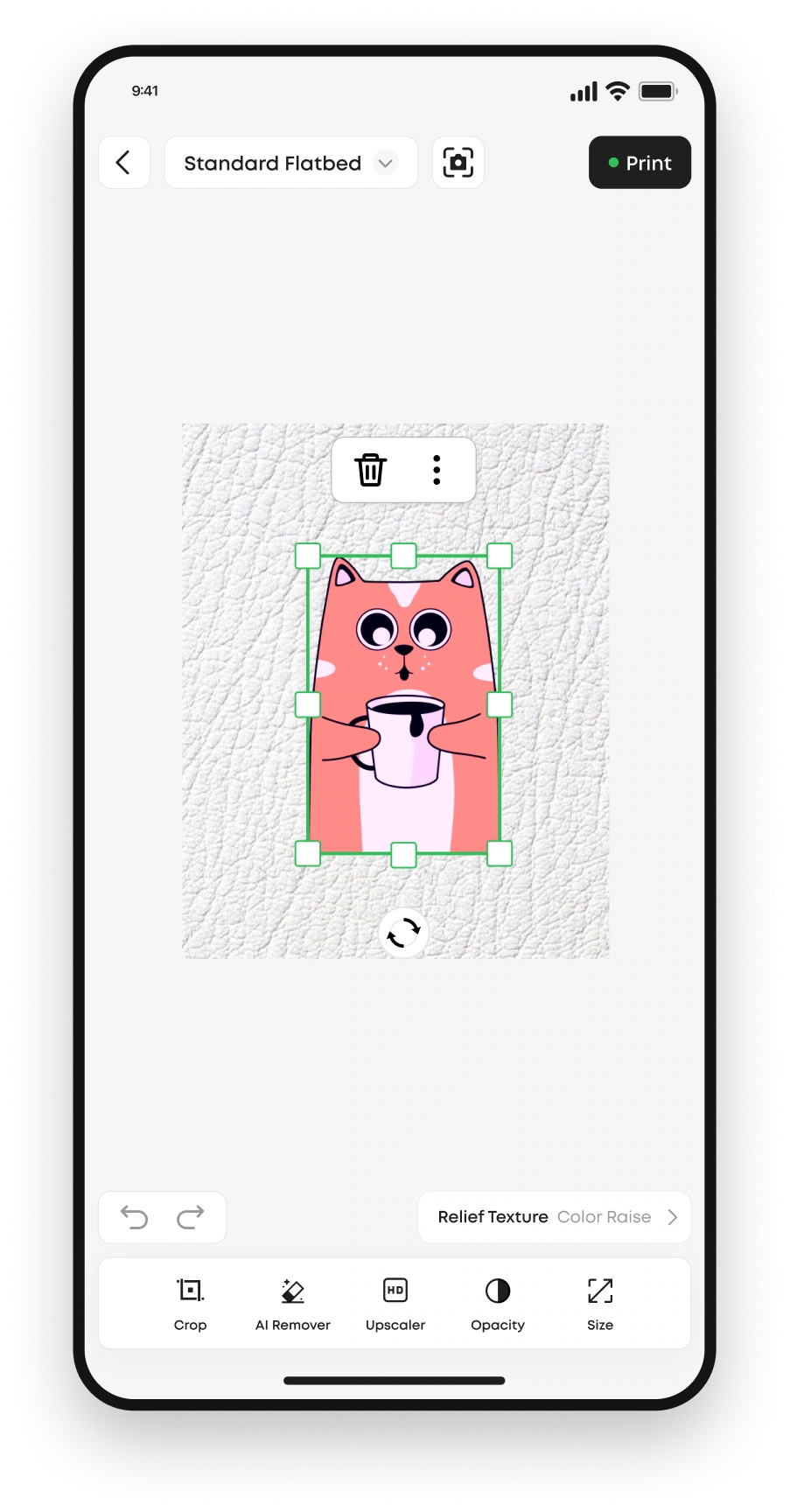
Craft tools are hard to find and appear only after selecting an element.
3

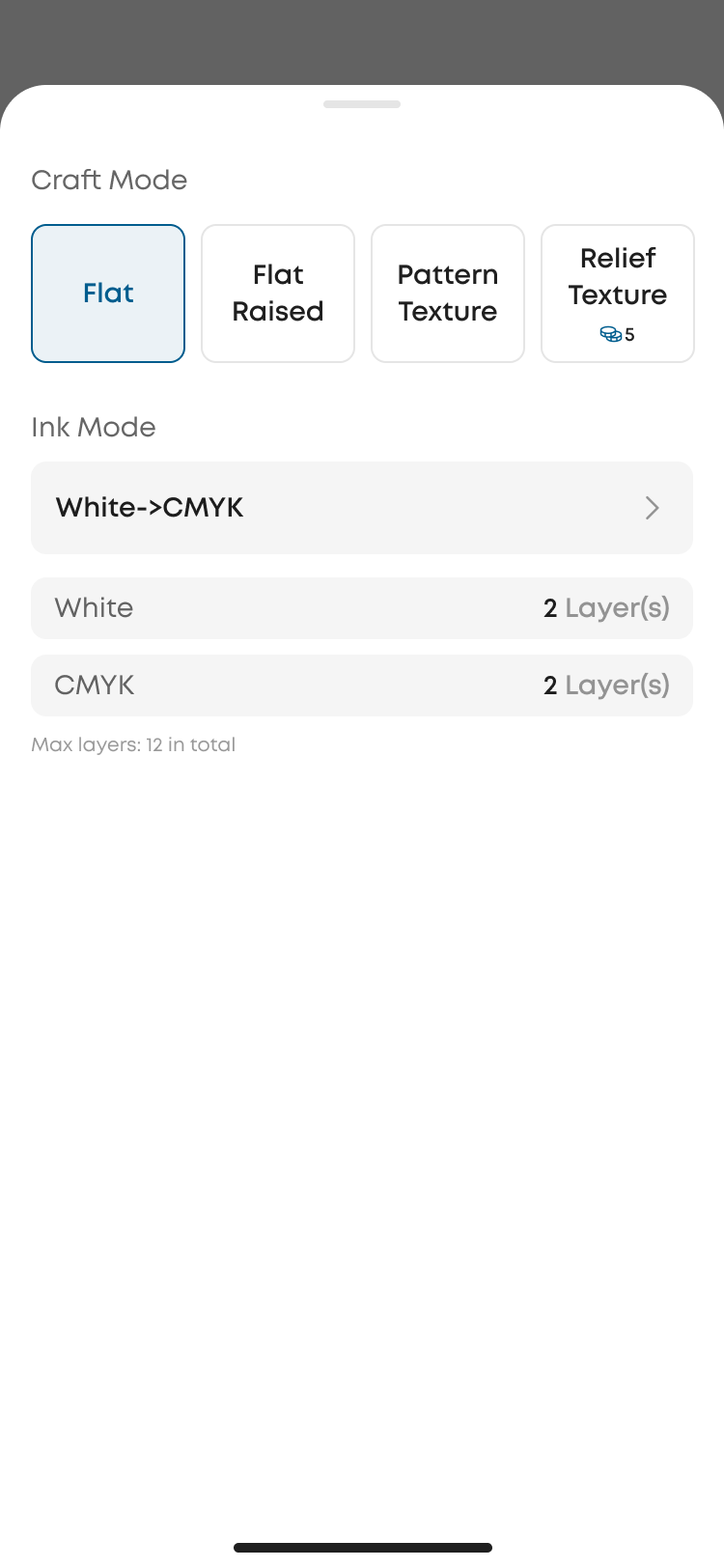
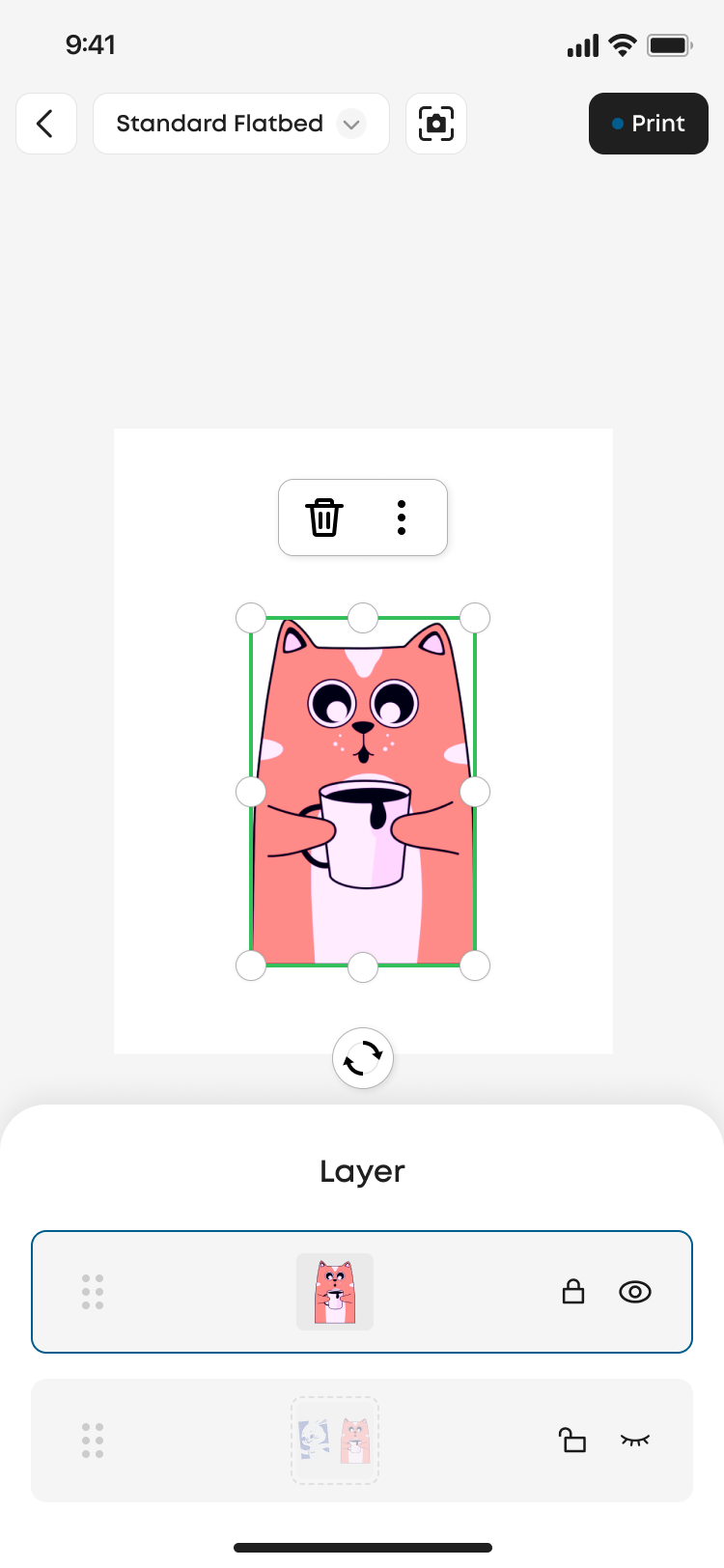
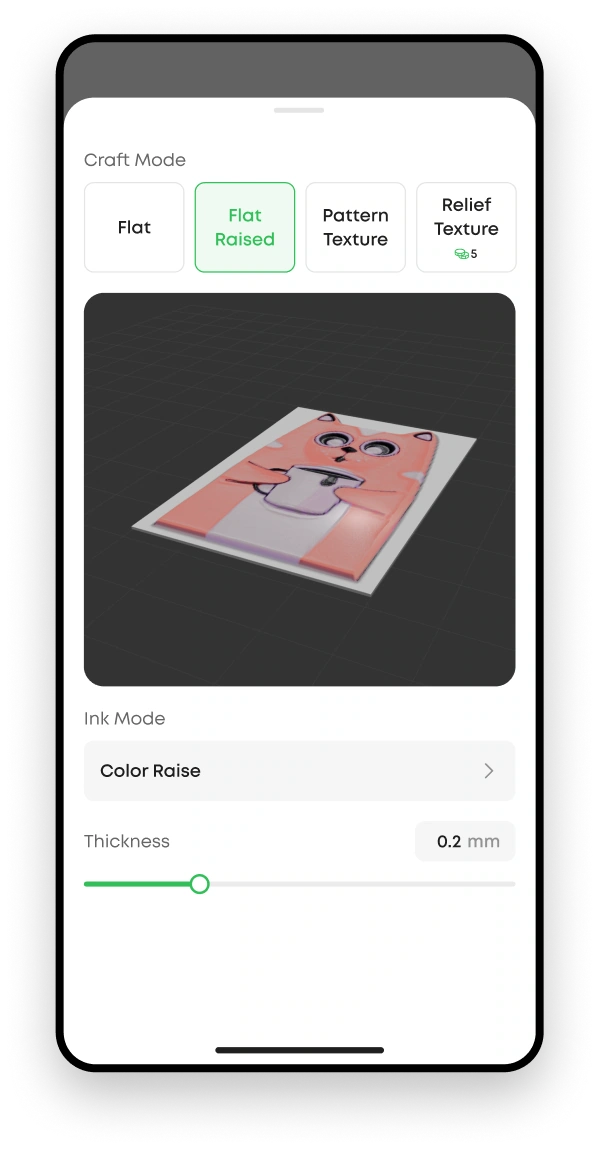
Choose Craft
Add Texture
Layer Settings
Preview Design

Print Setup & Execution
“Confirm Print Placement”
Print status and outcomes are unclear,.
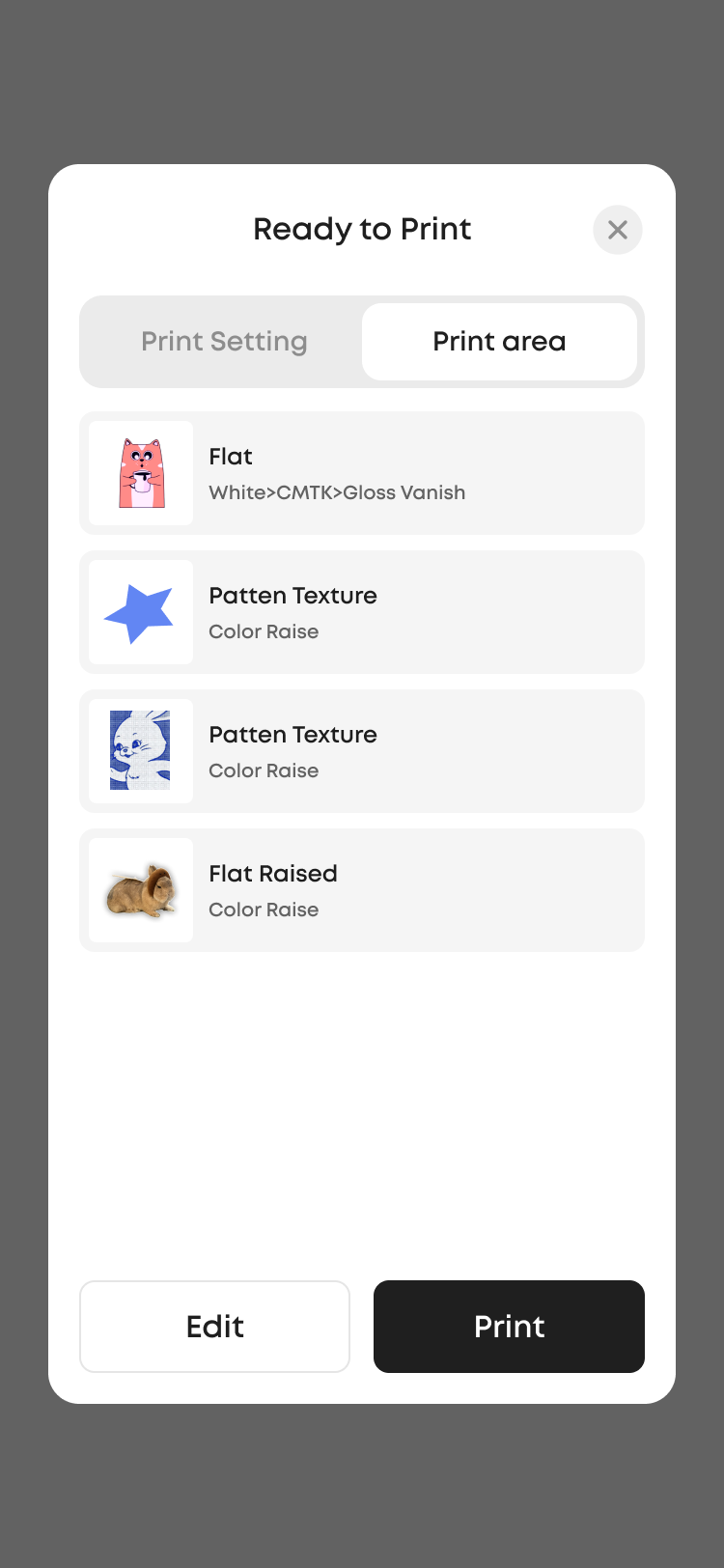
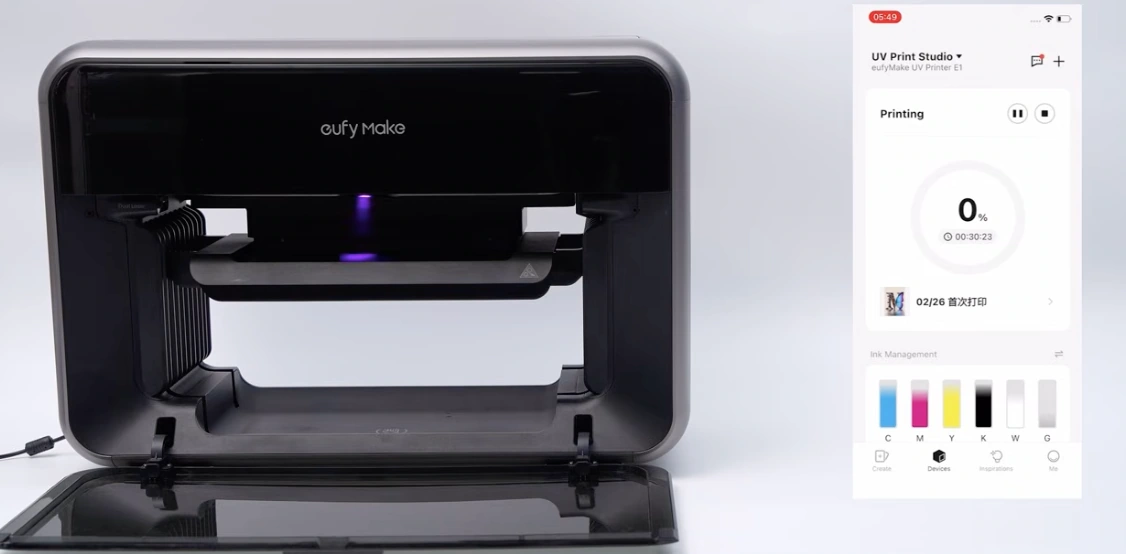

4
Substrate Material
Print Settings
Start Printing

Why improve App 2.0?
As customers began using the product,
feedback revealed friction from design to physical print.
Click a card for layer details
Usability Validation
Testing showed that improvements, significantly improved the efficiency and reliability ⬆ of completing print tasks.
After the 3.0 launch, we validated the redesign through pilot usability testing and user follow-ups.
👉
👉

+29%
Core Task Completion Rate
63%
82%

Average Task Time
Reduced by 38%

Settings Error Rate
Reduced by 45%
Usability Testing: Key Metrics
User Feedback
👉
Design Impact
"
The flow is clearer, and Next consistently guides me.
"
There are noticeably fewer confusing elements.
"
I can confirm the print result faster and feel confident.
🧑🏫
🧑💼

Clarified product positioning


Rebuilt the core task flow

Improved IA

Enhanced status visibility
The product evolved from a complex design tool into a fast, reliable, understandable, and controllable mobile printing experience.
👩
StrategyExplore design details ⌄
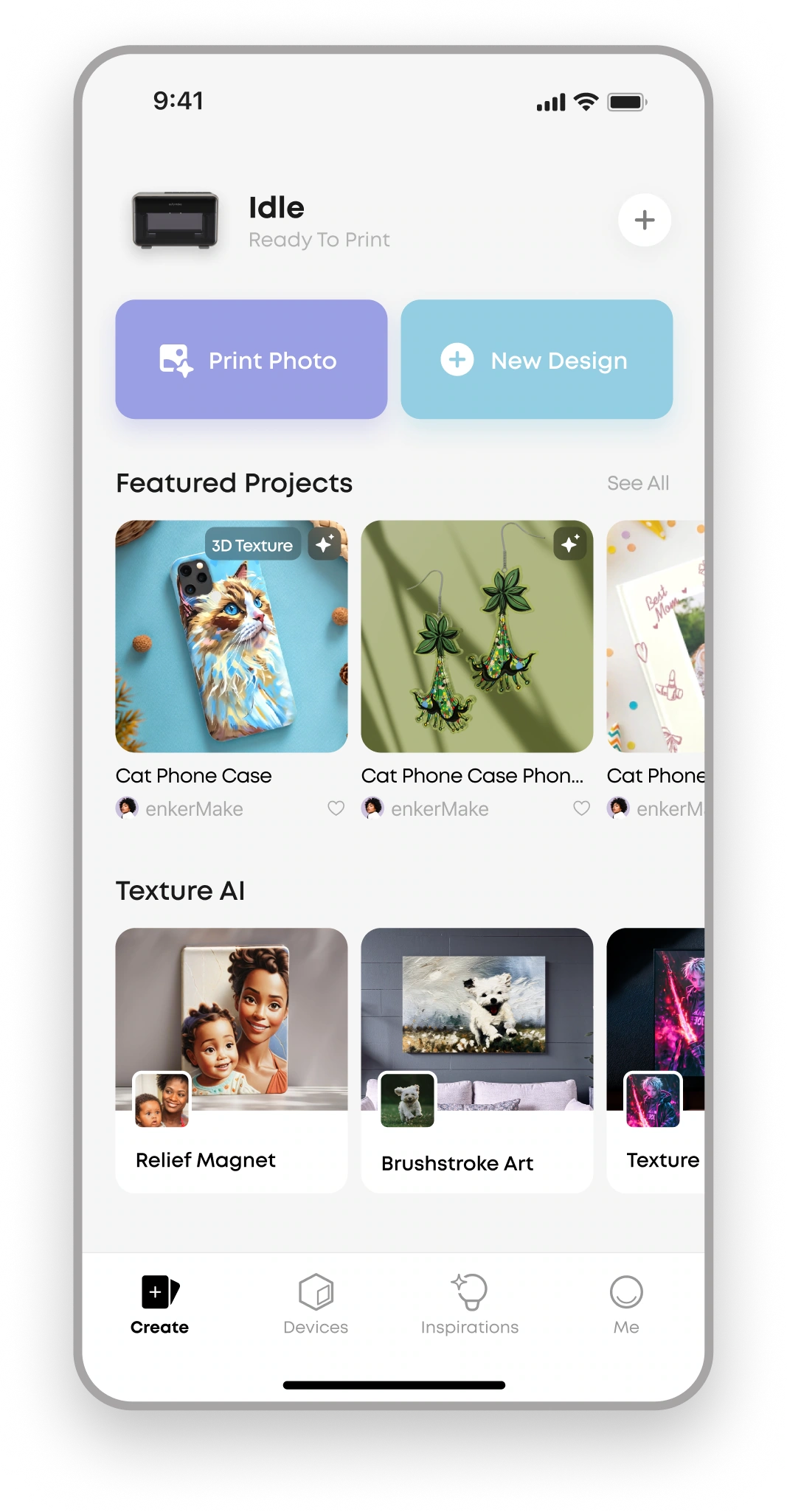
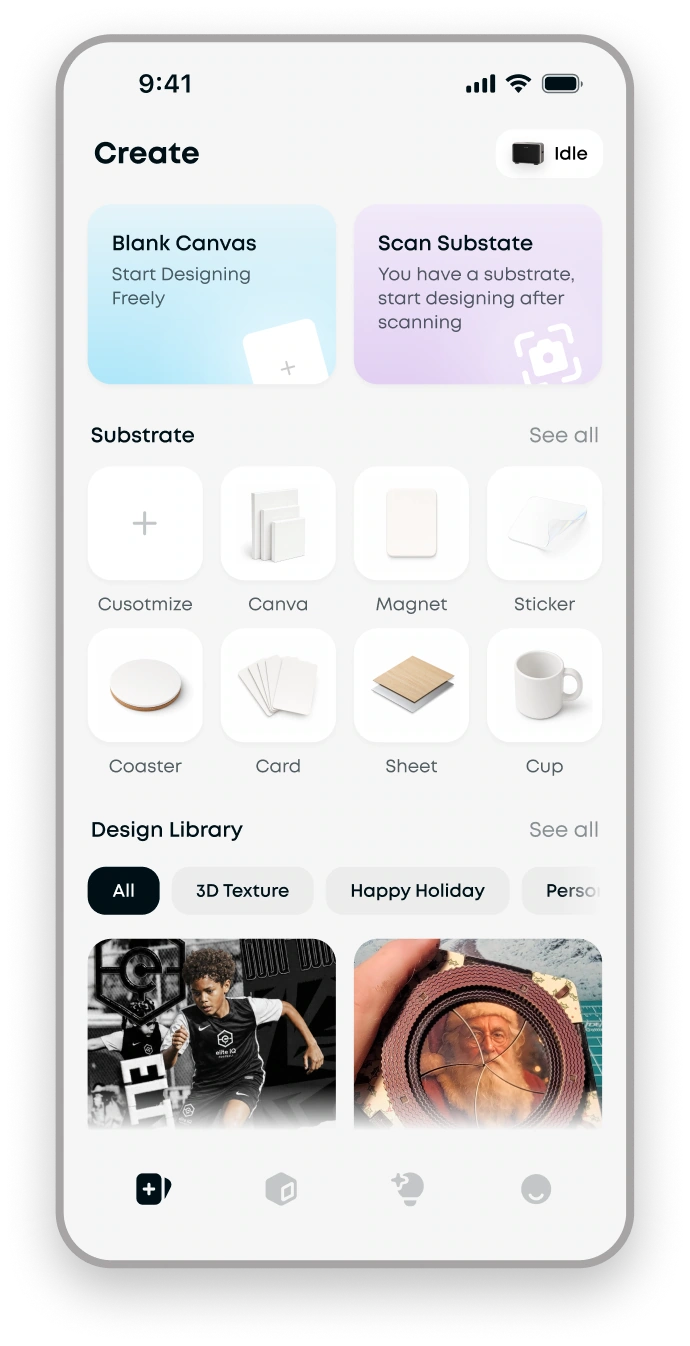
Define a Clear Starting Point for New Users
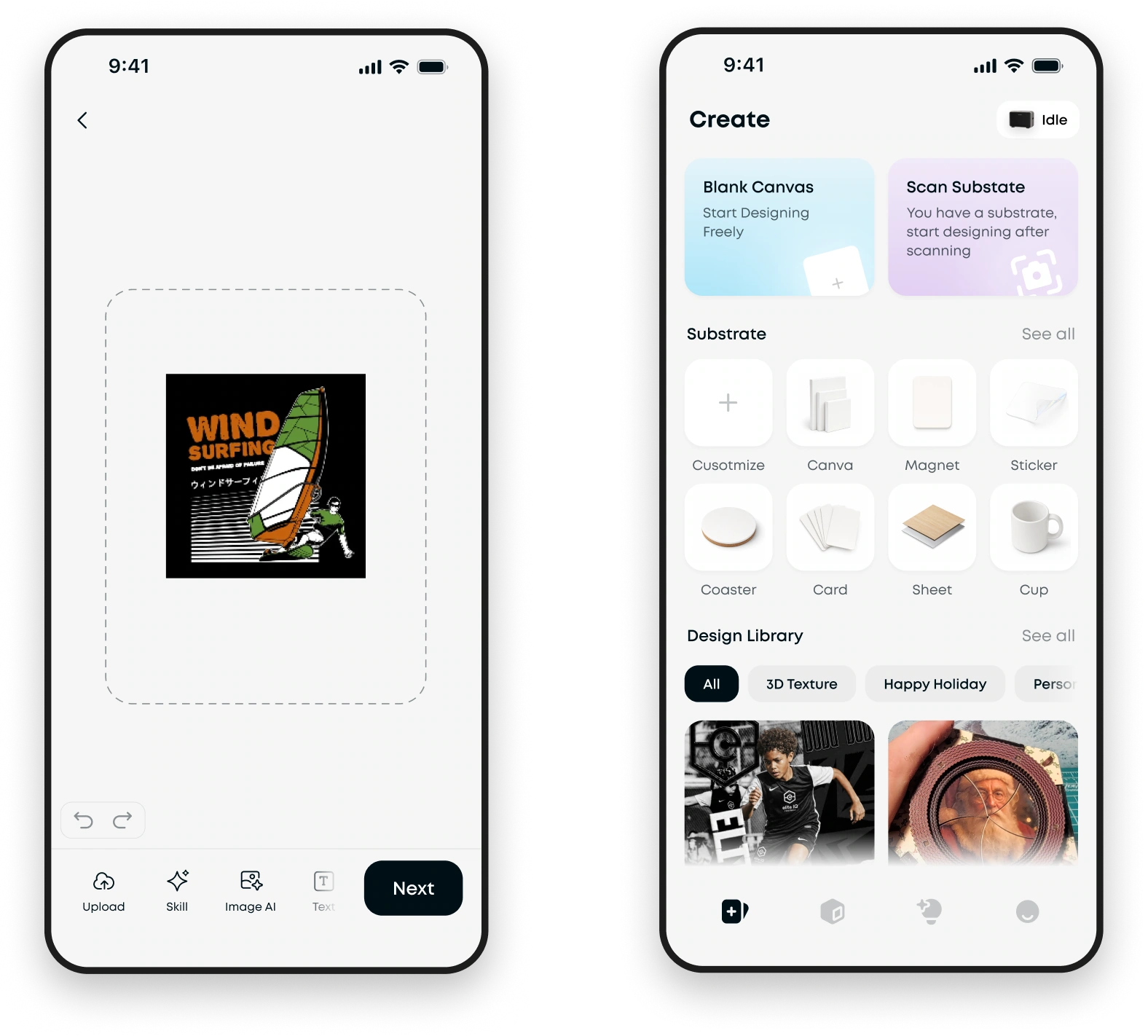
2.0 Home
Two entry points,
without guidance.

😵💫

I want to print a magnet.
Where do I start?
3.0 Home
After
✨

Highlight key paths with clear explanations.

Start with the substrate to simplify first-time printing.

Explanation

1
Start with Needs
2
Step-by-step guidance through the home screen.
New User Guidance
3
ExperienceExplore design details ⌄
From Unguided to Staged Flows
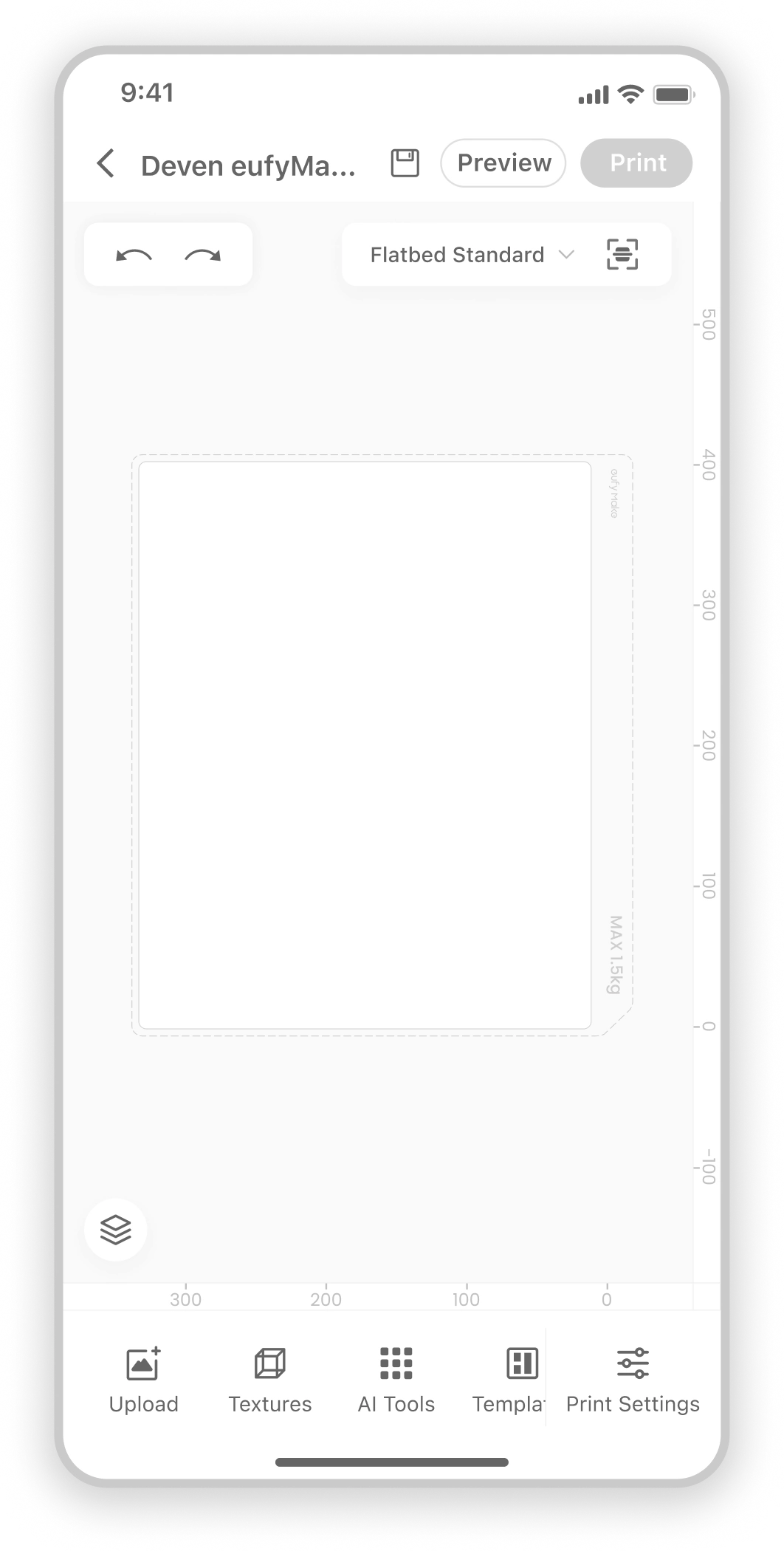
1.0 Editor
2.0 Contextual Prompts
Users faced the editor with no clear next step.
After
✨

😳

Where do I set the craft?
Core User Need
"
95% new users expect simple and successful.
🧑💼
Core Scenario
"
75% new users confirm the substrate first.
🎨



Onboarding
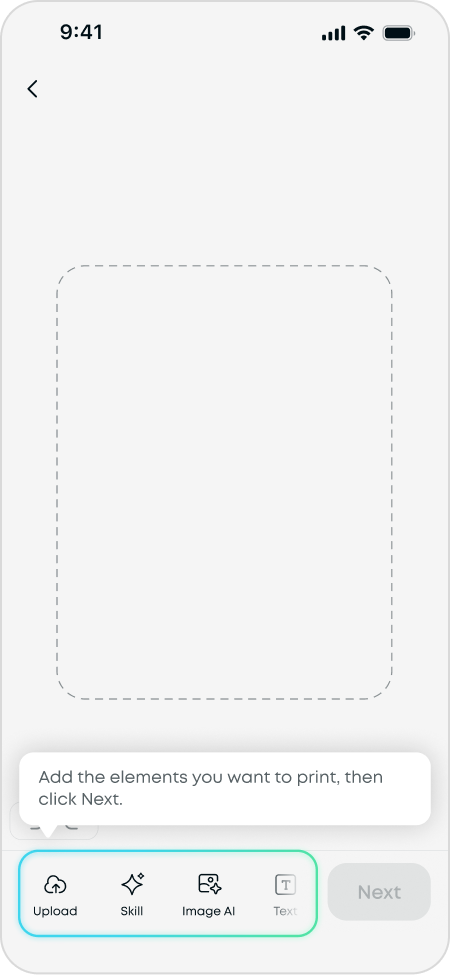
None

Substrate
2.Define Print boundary
1.Lower cognitive load
Screen start with Blank canvas :
Why start with a substrate?
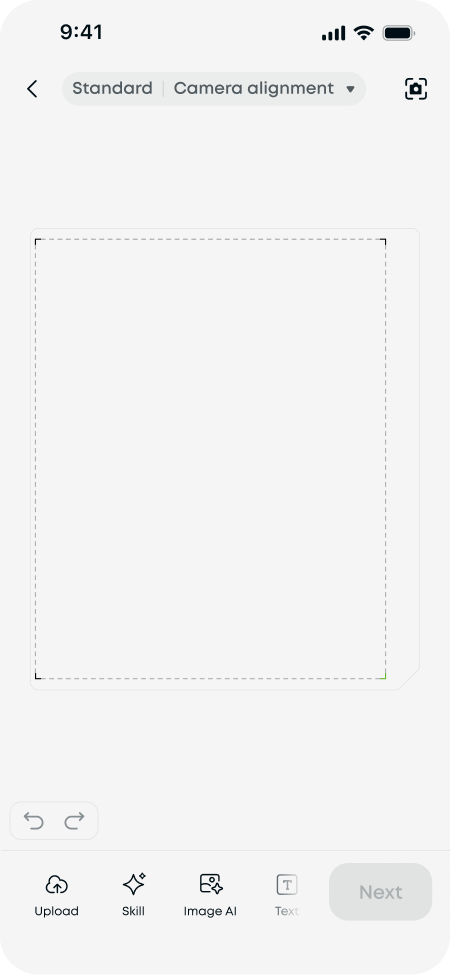
bed


distract
Why start with a substrate?
3. Recommend compatible craft modes
For example, paper does not support raised effects.
Asset Import & Manage
Craft effect Setup
Complete Design

5
After
✨

Print Setup & Execution
😼

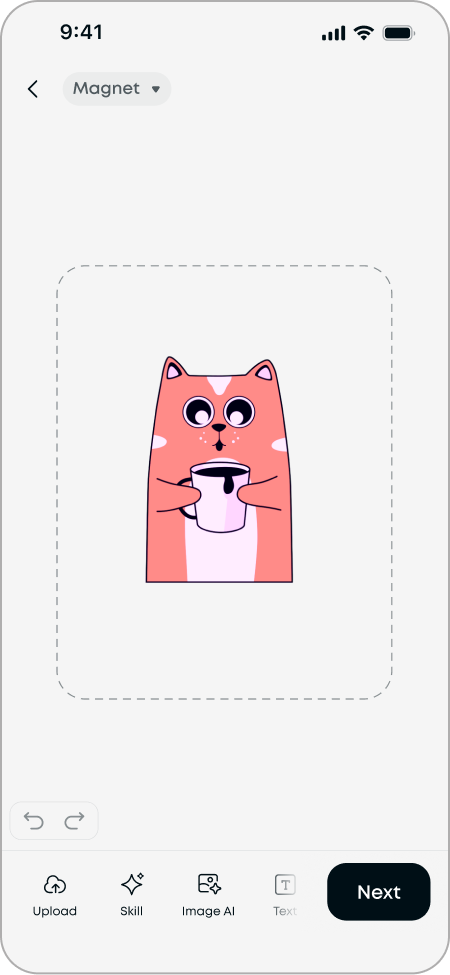
Real linear flow!
StructureExplore design details ⌄
Reorganizing IA So Features Appear with the Task
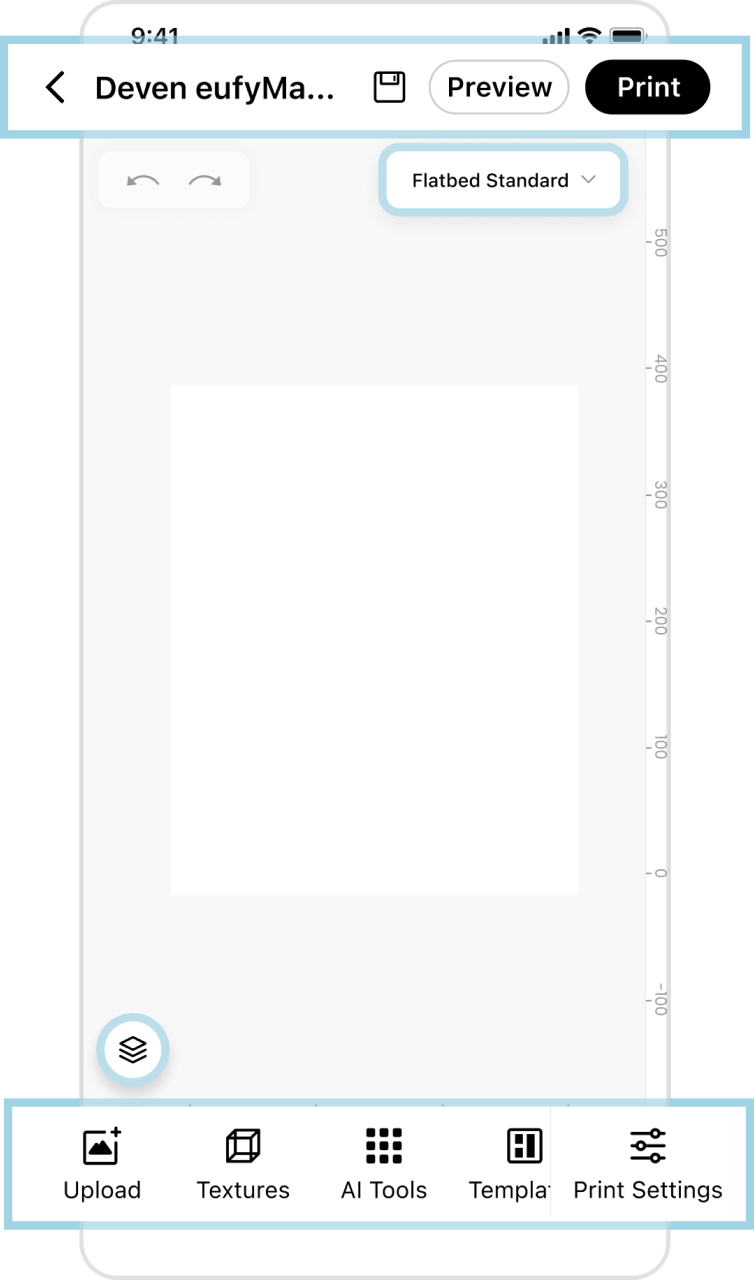
1.0 Editor Architecture
Scattered features



After
2.0 Editor Architecture
✨
Includes:
Asset Import & Manage

Core Craft Setup
Print Preview & Status
😵

So many button! Where do I start ?
3.0 Editor Architecture
Only include:
Asset Import & Manage
After
✨

Asset Import & Manage
Craft and effect Setup
🤔

So hard to find!
😽
Just one step!
😺
More organized!
After
✨
3.0 Craft Setup Flow:
Click Next button

1
Print Setup & Execution
3.0 Print Flow:
Click the main button
1
😵💫

So much back-and-forth!
😼

Just click the main button!
SurfaceExplore design details ⌄
Turn system into Predictable Physical Results
2.0 Status Prompts
Snapshot status
Printer status

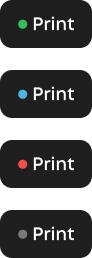
Device ready — printing is available
Device busy — print when it returns to ready
Device error — resolve issue before printing
Device offline
camera available

camera not available

Photoing
60%

🫢

I even don’t notice these.
🤔

What these mean?
😸

I am more confident of printing process.
3.0 Status Design
After
✨

Explain why can’t continue
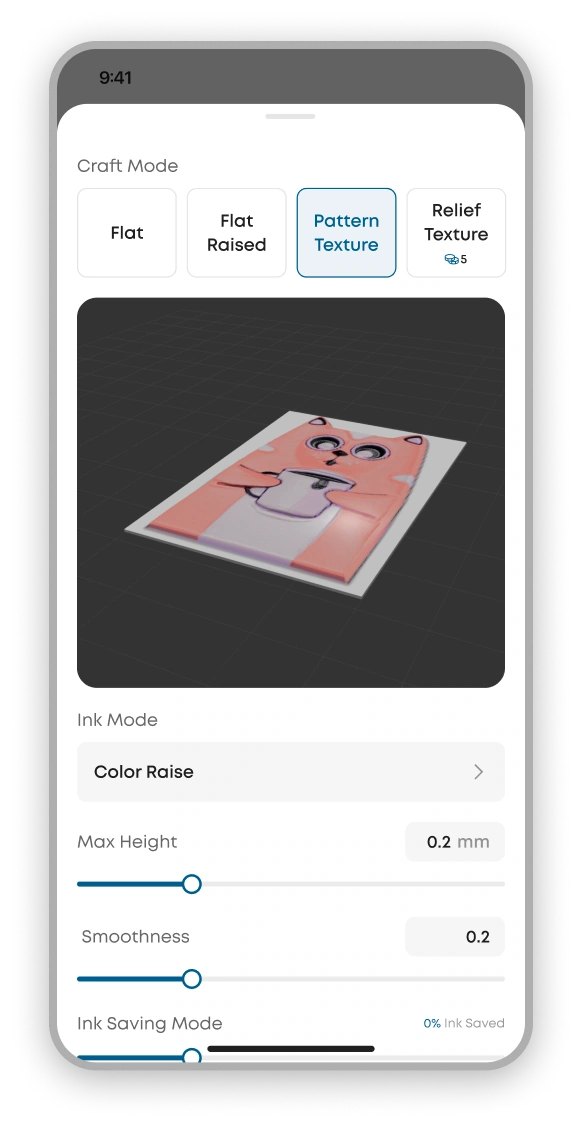
2.0 Craft Settings
3.0 Craft Settings
😸

Tips help a lot!